 How Points.com for Magento Works
Setting up your Points.com for Magento incentive program is quick and easy. Simply follow the provided steps and immediately start seeing results.

Step 1:
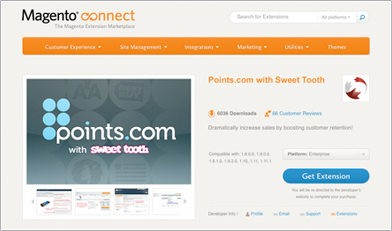
Install our Program
Download and install the Points.com for Magento extension on your site to begin setting up your incentive campaign.
► view set up guide
Step 2:
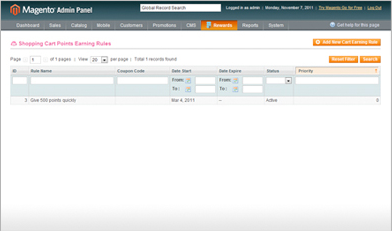
Set Up Points/Miles Earn Rules
Select the amount of points/miles and for which actions you wish to reward your customers. You can reward customers for every dollar they spend, for spending over a certain threshold, for referring friends, for repeat purchases and many other options.
Step 3:
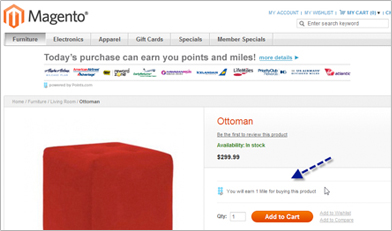
Customers Earn Points/Miles
Drive awareness of your new incentive program by using the materials and assets from our merchant resource centre.
► go to merchant resource
Step 4:
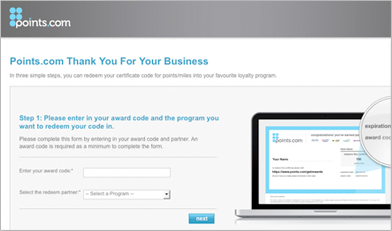
Customers Redeem Points/Miles
Once your customer completes the desired action, your work is done! We automatically email your customer a unique claim code and direct them to our claim site where they choose the points/miles they wish to receive. Then we deposit their rewards in their incentive program account.
Download Our Product

Download and install the Points.com for Magento extension to begin your incentive campaign.
► learn more
Become a Solution Partner

See the benefits of becoming a Points.com Solutions Partner - for you and your clients!
► learn more

